
RyfeTech platform admins
Admin mode (RyfeTech team)
How platform admins open a business dashboard, and switch between businesses.
-
1
Enter a business
In Platform admin, Businesses, open the business and enter admin mode. A banner shows which business you are managing. Every visit is logged.
-
2
Switching
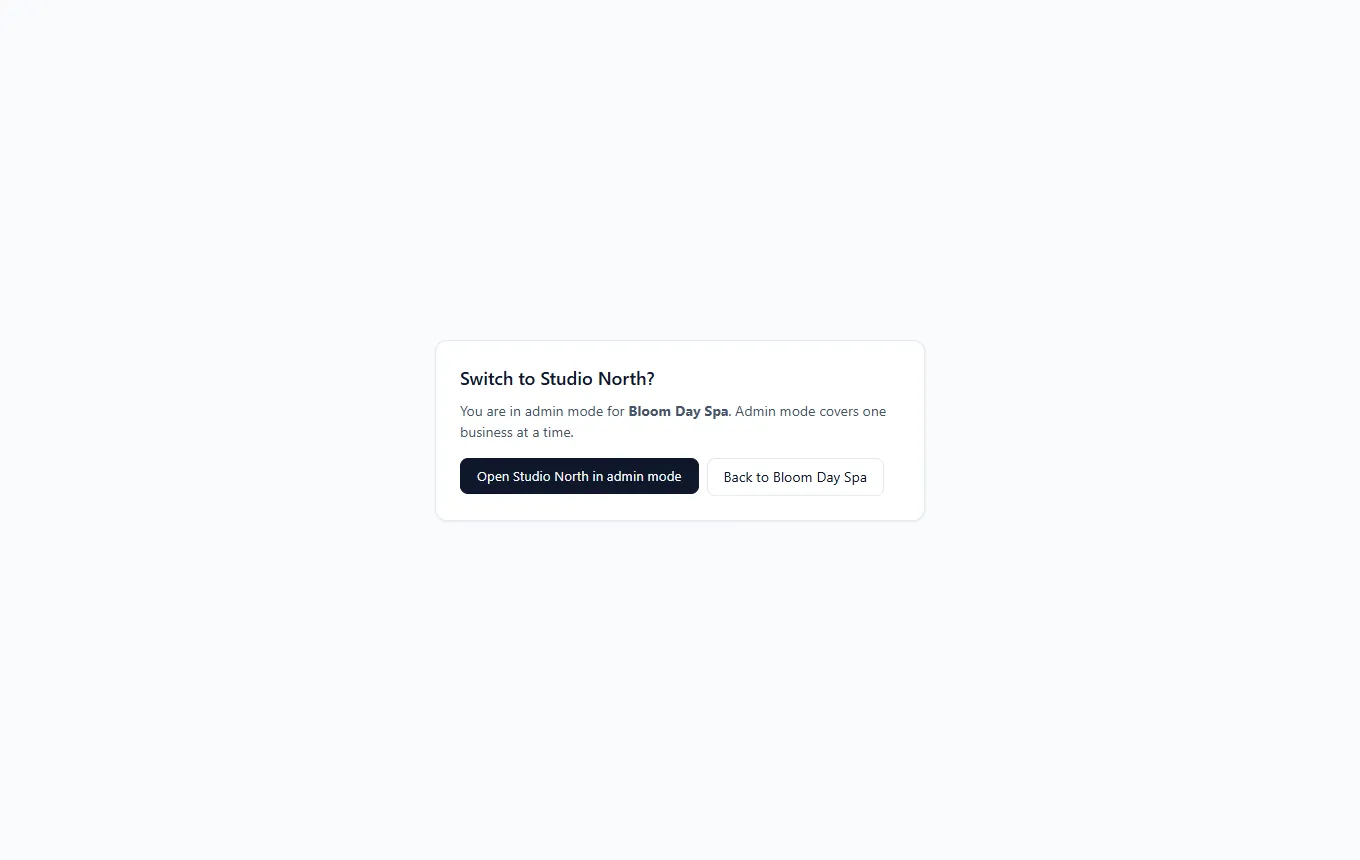
Admin mode covers one business at a time. If you open another business's dashboard, you are offered a switch instead of an error.
Tap to enlarge