
Guides
Step-by-step help for running your storefront and studio dashboard. New features are listed on Updates.

For your clients: book, pay and message the studio
What your clients do on their phone: choose a treatment and option, pick a time, reserve, follow their appointments and read your messages. Share this page with them.
Read the guide →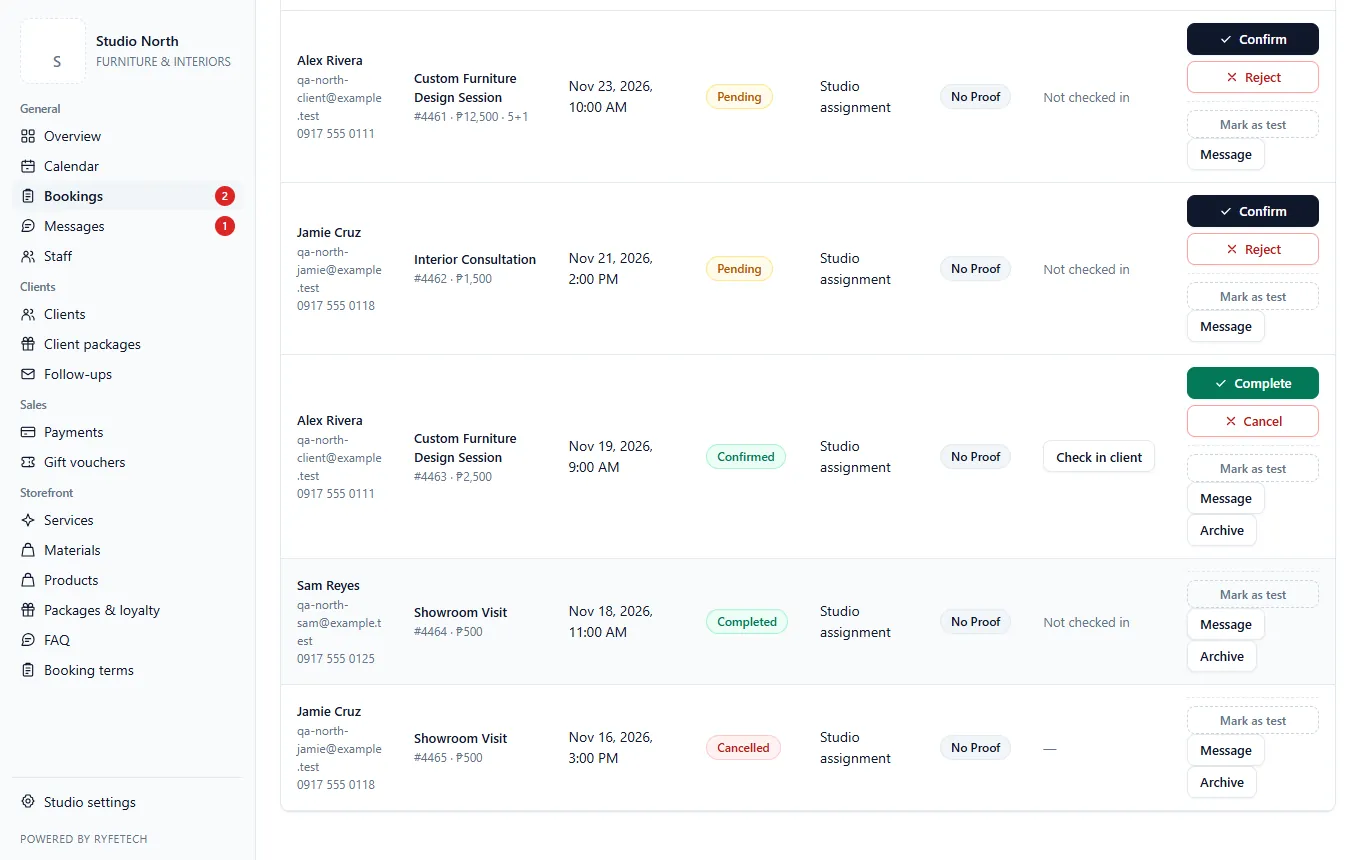
Bookings: counts, archive and messaging a client
Red numbers for what needs you, a tidy Bookings list, and a message to any client in one click.
Read the guide →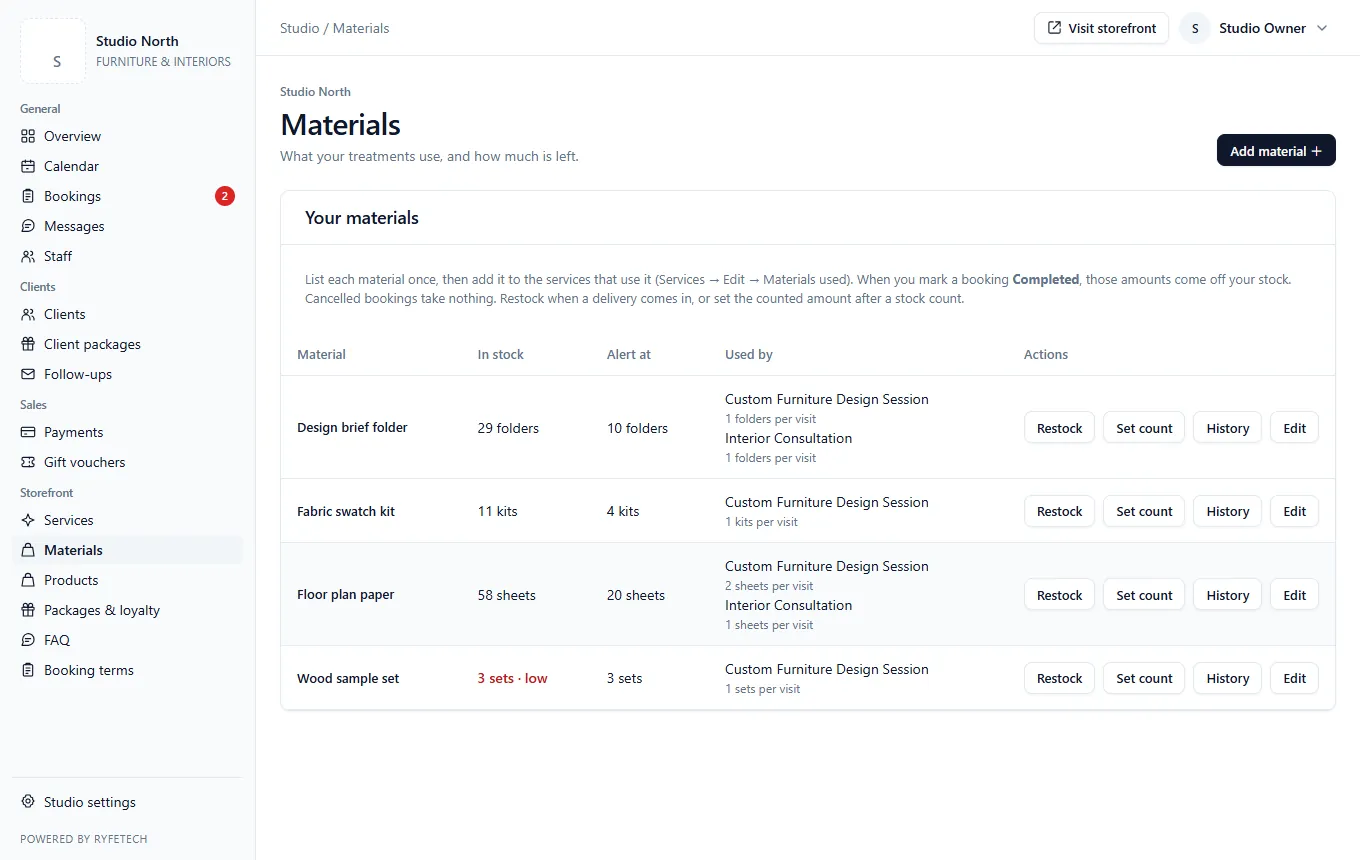
Materials and stock
List the materials your treatments use. Each time a booking is completed, what that service uses comes off your stock.
Read the guide →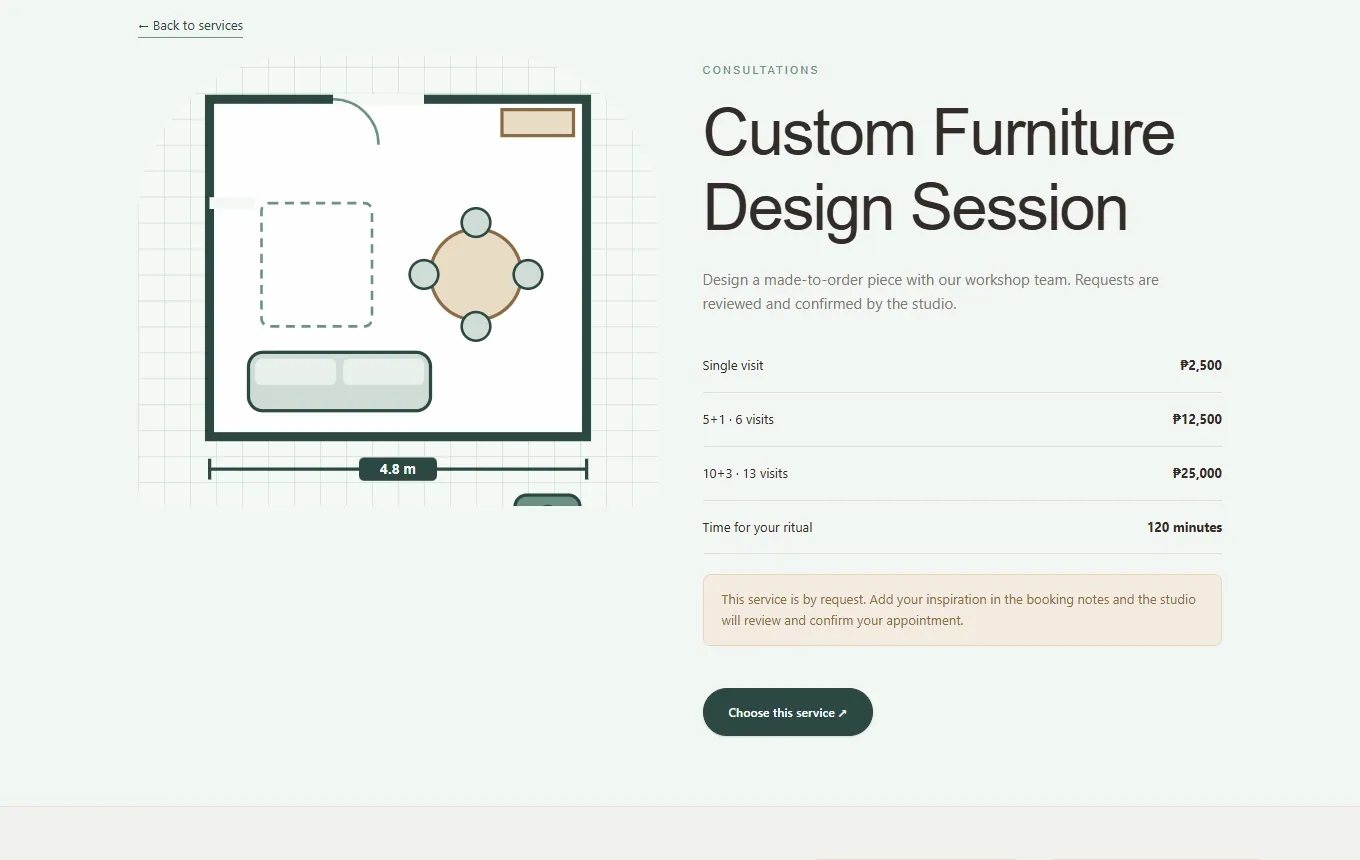
Packages as options on a service (5+1, 10+3)
Show your packages on the service itself, so clients pick Single, 5+1 or 10+3 and the price changes with their choice.
Read the guide →
Stations: more than one client at a time
Set how many clients you can see at the same time. A time stays open until every station is taken.
Read the guide →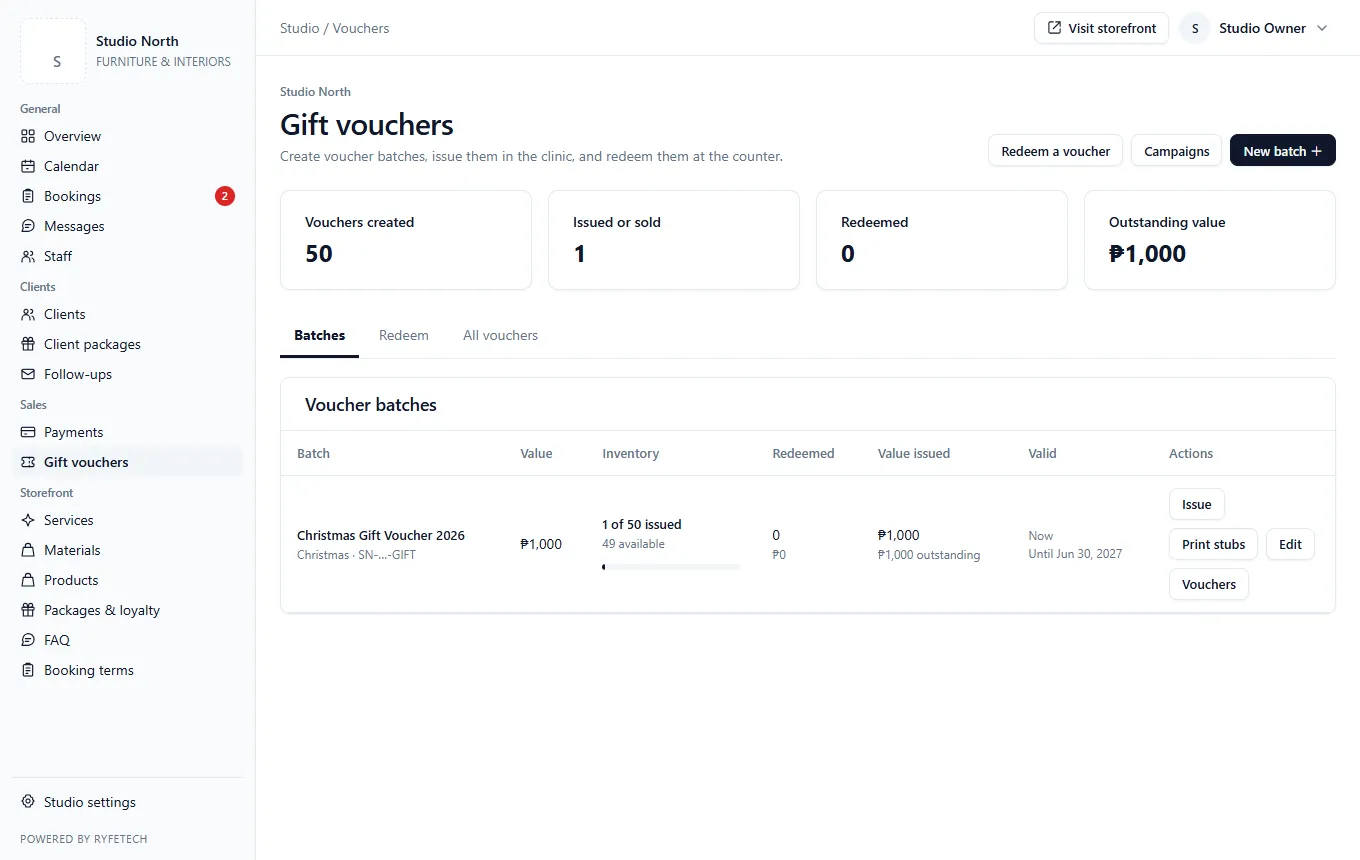
Gift vouchers
Create a batch of vouchers, print them with QR codes, sell or give them away, and redeem them at the counter.
Read the guide →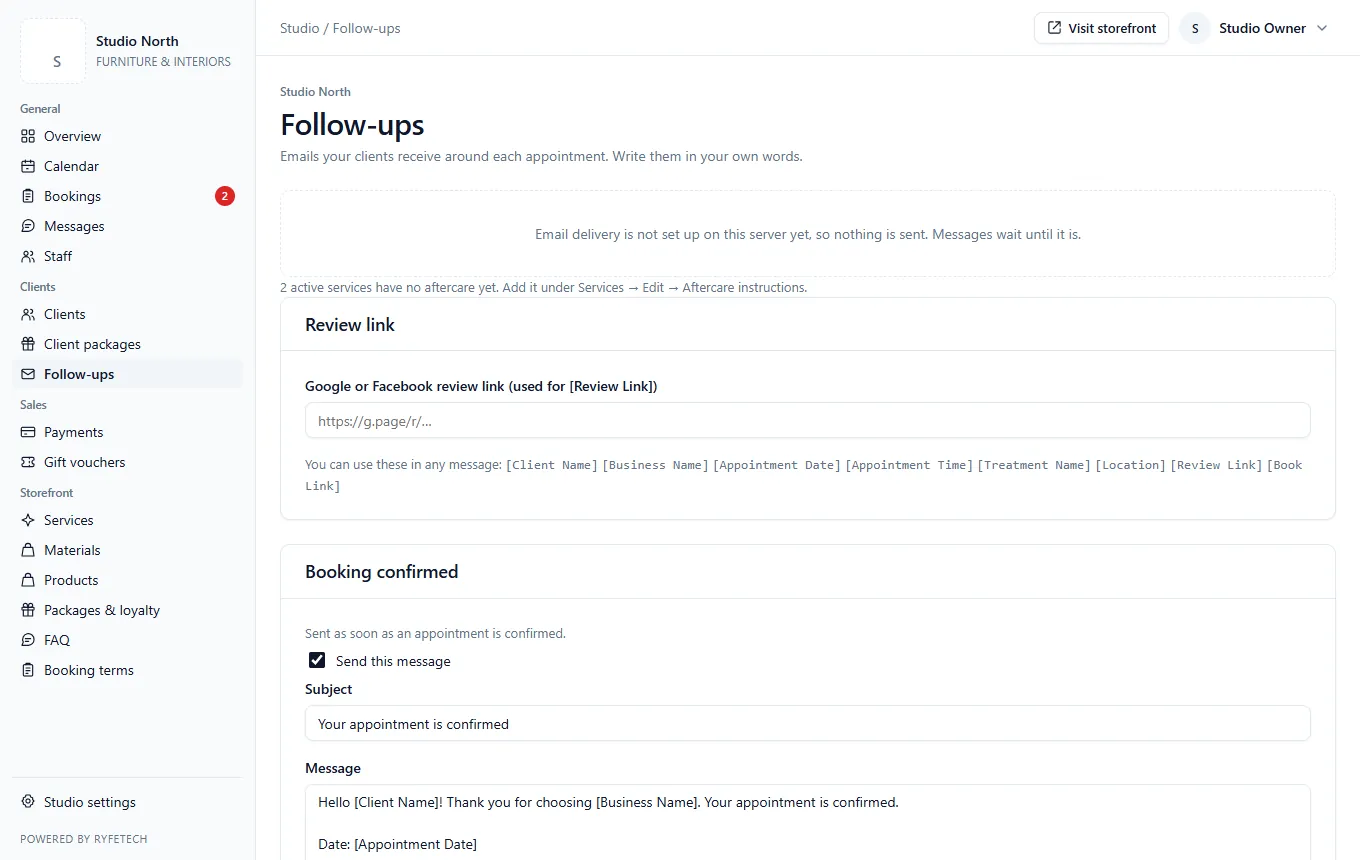
Follow-ups and reminders
Confirmation, up to three reminders, aftercare and a feedback request after the visit, and a check-in weeks later, written in your own words, by email, in Messages, or both.
Read the guide →
Services, packages and products: short descriptions and aftercare
Keep the menu tidy with a one-line description on each card, the full details on its own page, and aftercare per service.
Read the guide →
Order, feature and hide your services, packages and products
Choose the order clients see, star the items for your front page, and show or hide any item with one switch.
Read the guide →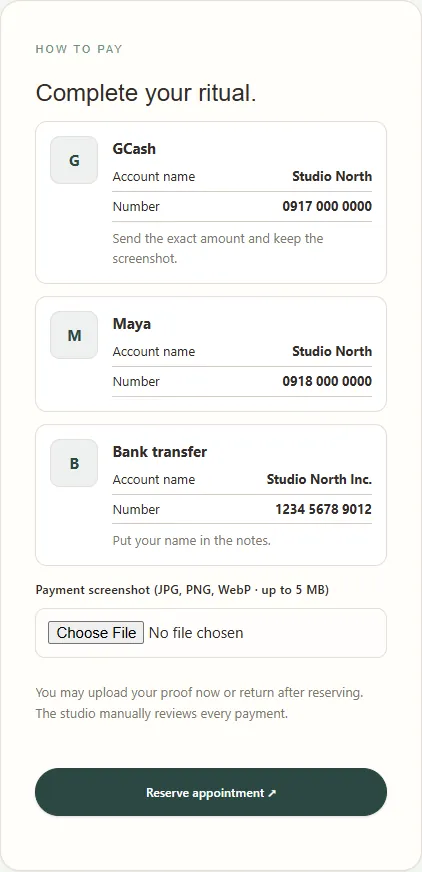
Payment methods
List every way clients can pay you (GCash, Maya, MariBank, cash…), each with its own logo and instructions.
Read the guide →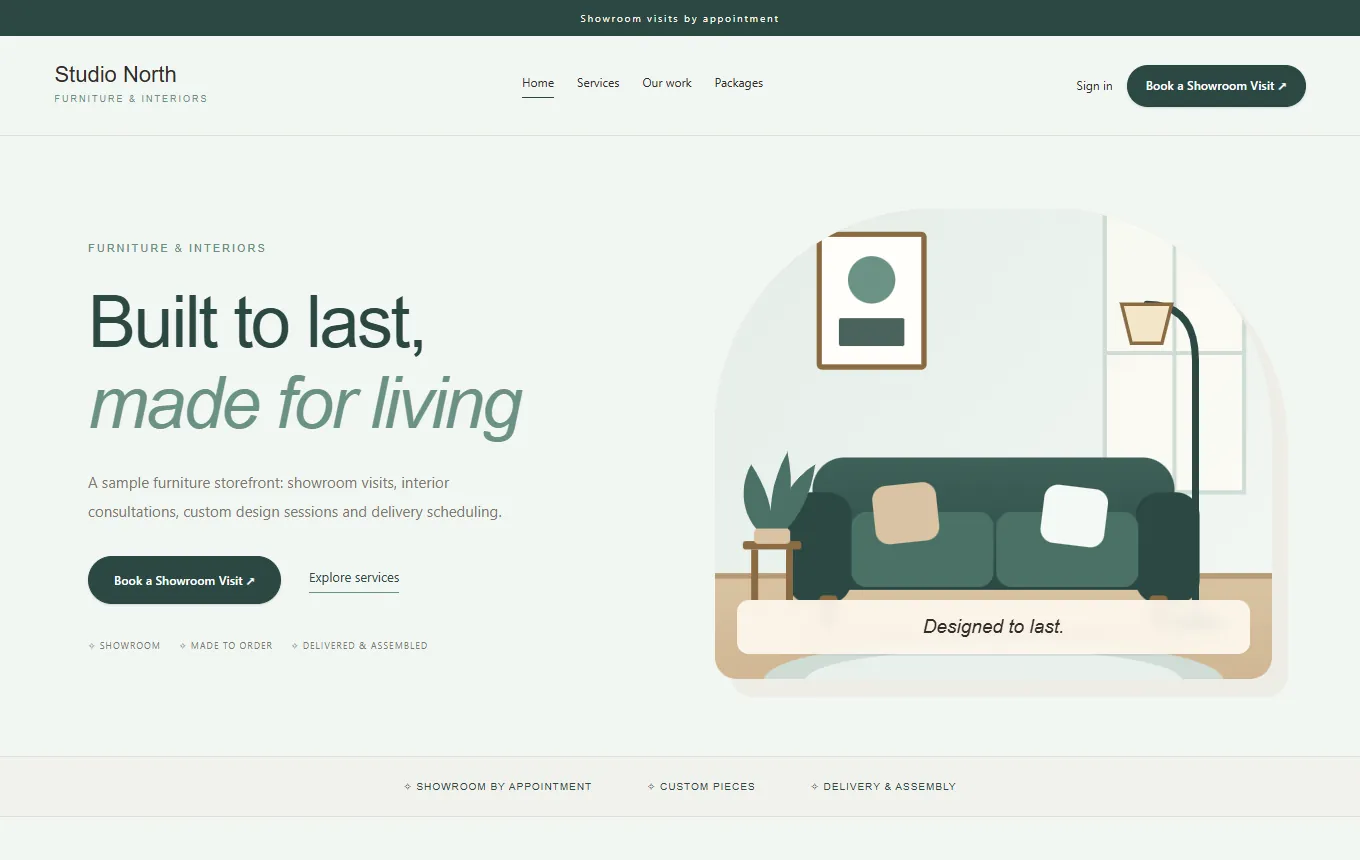
Your storefront
Logo, photos, colours and fonts, the opening hours section, gallery zoom and watermarks.
Read the guide →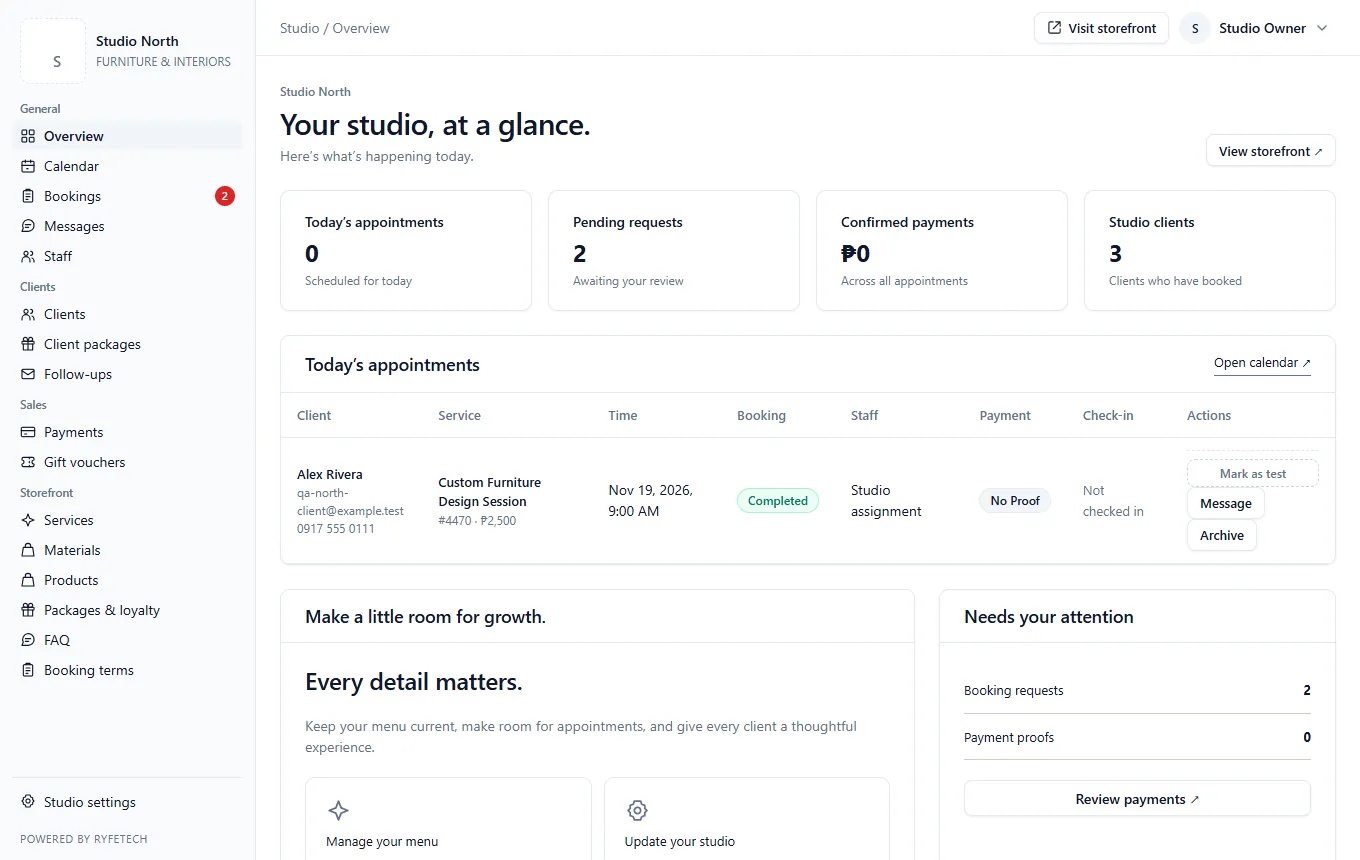
Getting around the dashboard
The grouped menu, your account menu, Studio settings tabs, test bookings and the phone layout.
Read the guide →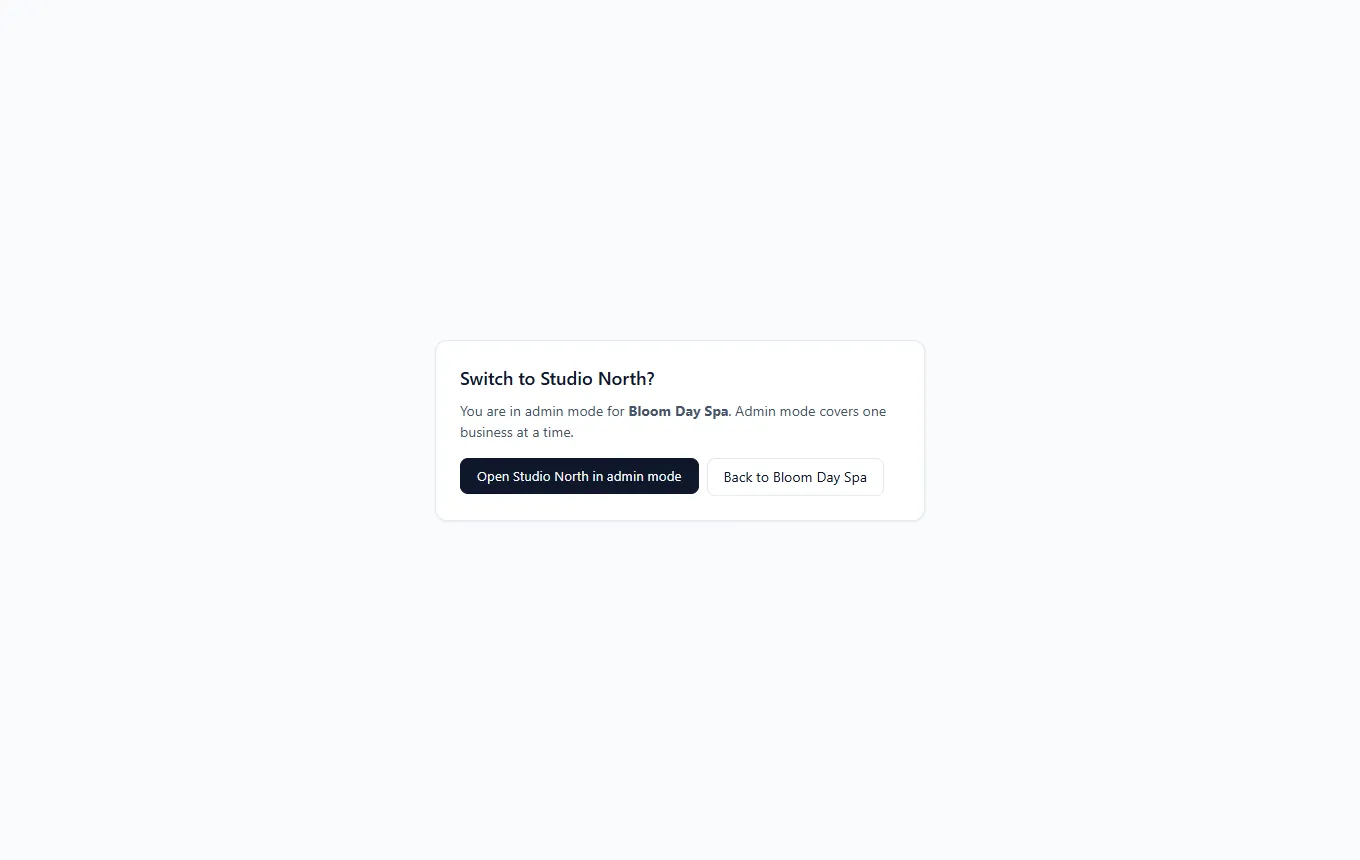
Admin mode (RyfeTech team)
How platform admins open a business dashboard, and switch between businesses.
Read the guide →