
Your storefront
Logo, photos, colours and fonts, the opening hours section, gallery zoom and watermarks.
-
1
Your brand
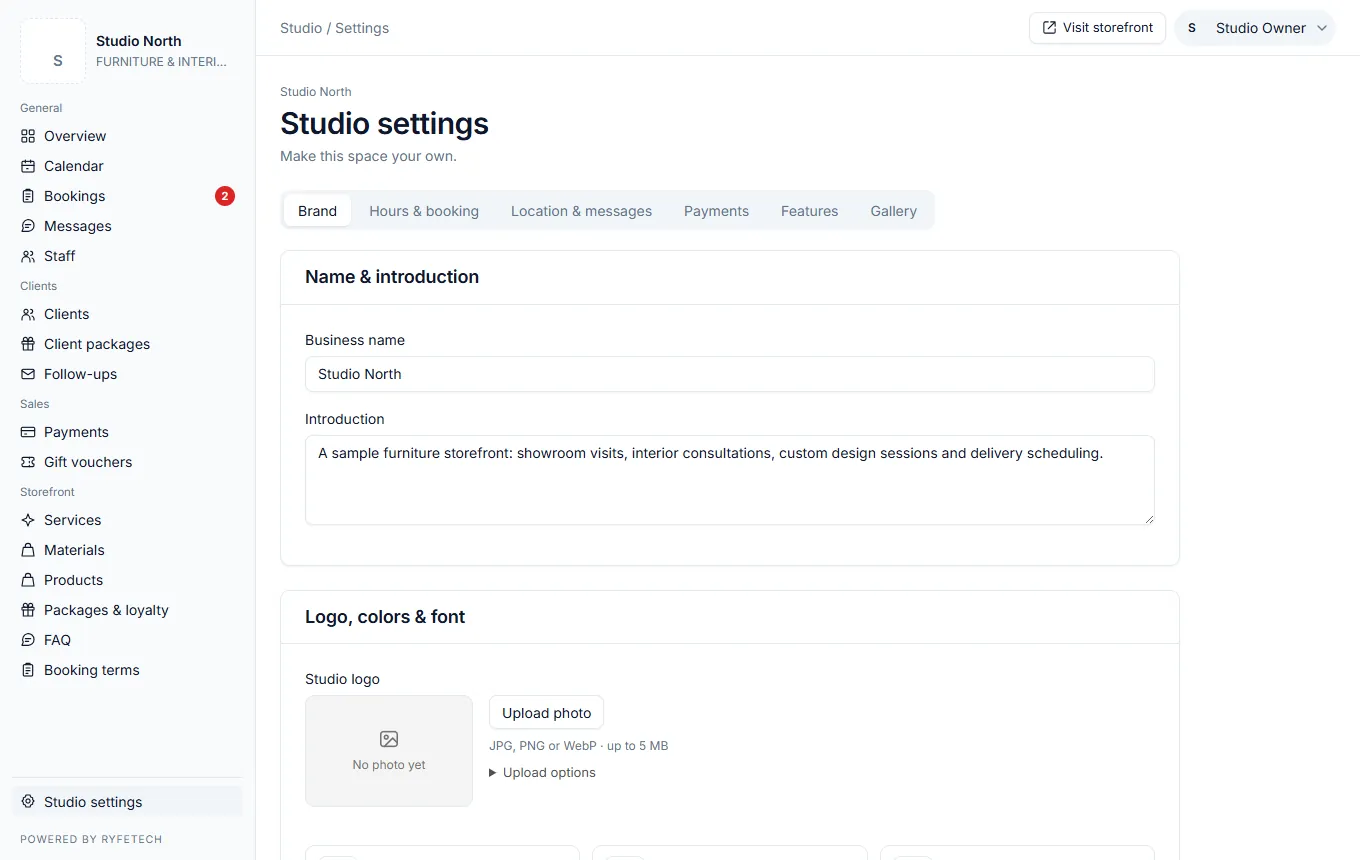
Studio settings, Brand tab: change your business name, introduction, logo, homepage photo, welcome photo (beside the opening hours) and sign-in photo, your colours and your font pair. Uploads are shrunk automatically.
Tap to enlarge -
2
Hours and address side by side
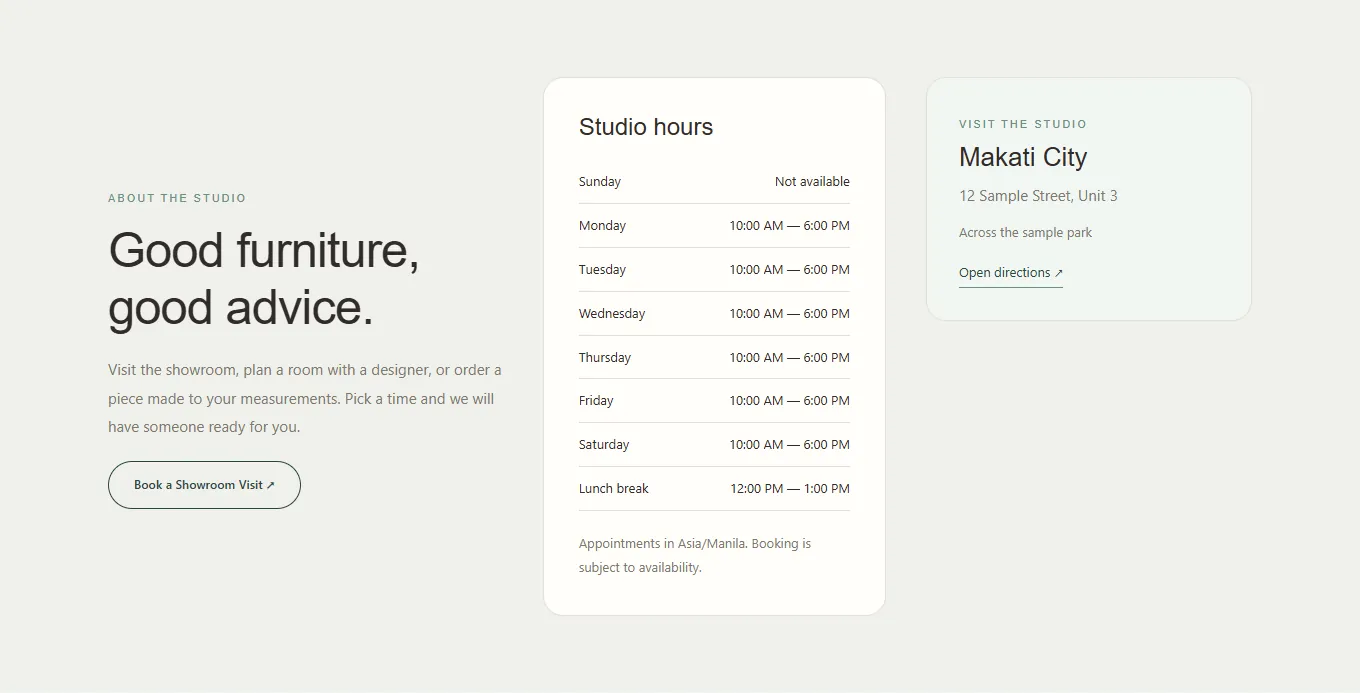
On your home page the welcome text, your opening hours and your address sit side by side, so the section is short. On phones they stack.
Tap to enlarge -
3
Tap to zoom
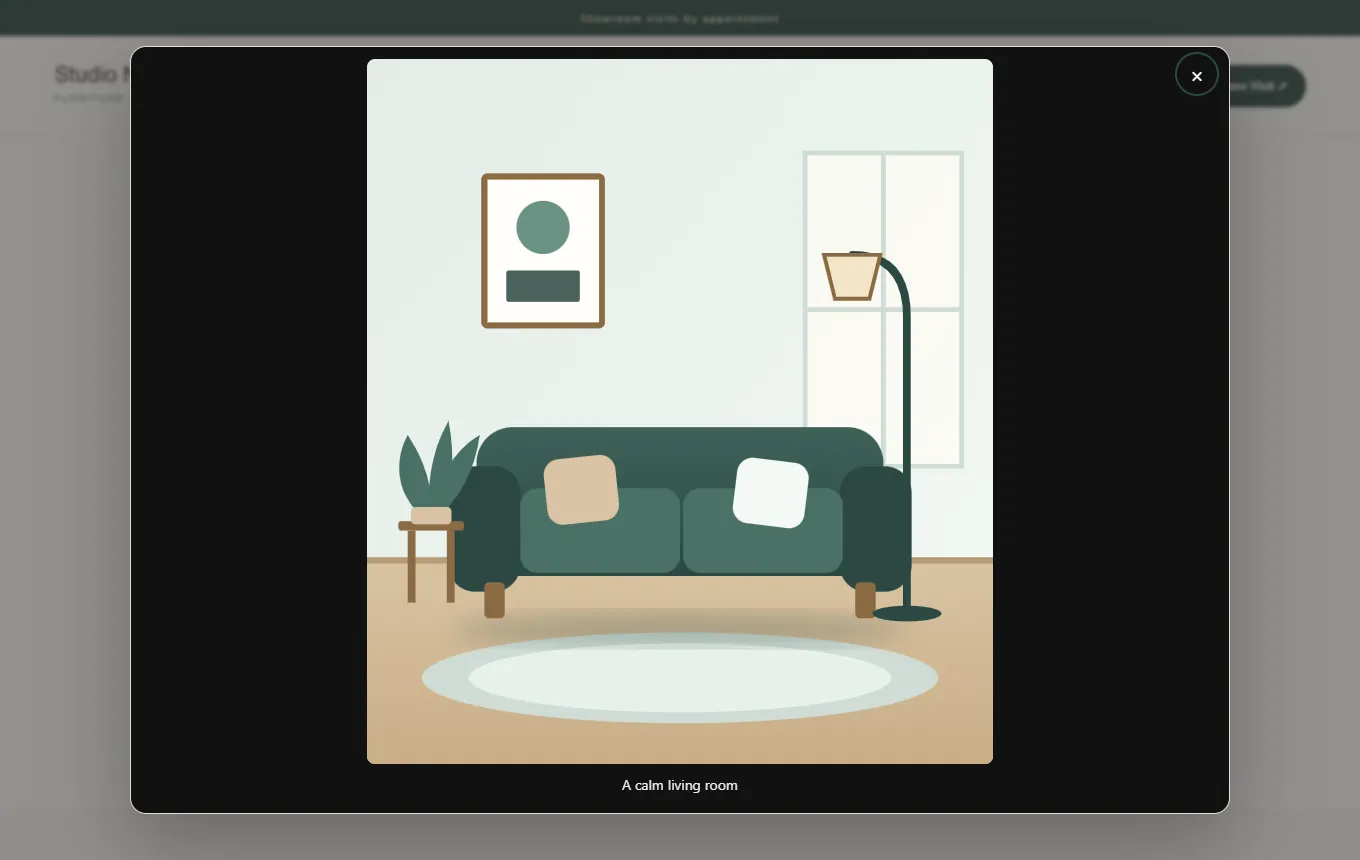
Clients can tap a gallery photo, or the photo on a service or package page, to see it large.
Tap to enlarge -
4
Watermark your photos
When you upload a photo, "Add my logo as a watermark" puts your logo small and semi-transparent in the lower-right corner. It is on by default; untick it for photos you do not want marked.
-
5
Features you can switch
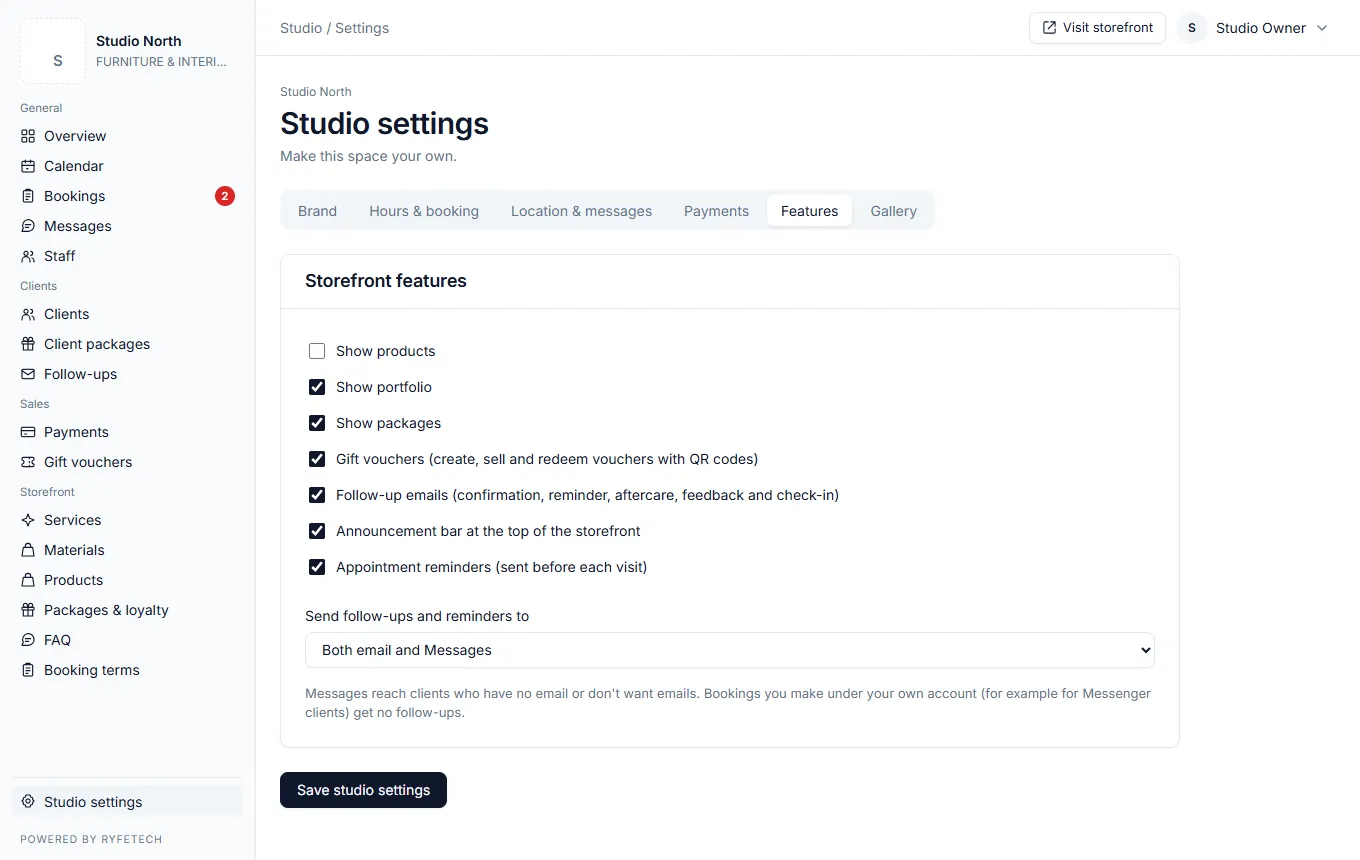
Studio settings, Features tab: show or hide products, portfolio and packages, turn on gift vouchers and follow-ups, and show or hide the announcement bar at the top of your storefront.
Tap to enlarge