
For your clients: book, pay and message the studio
What your clients do on their phone: choose a treatment and option, pick a time, reserve, follow their appointments and read your messages. Share this page with them.
-
1
Choose your treatment
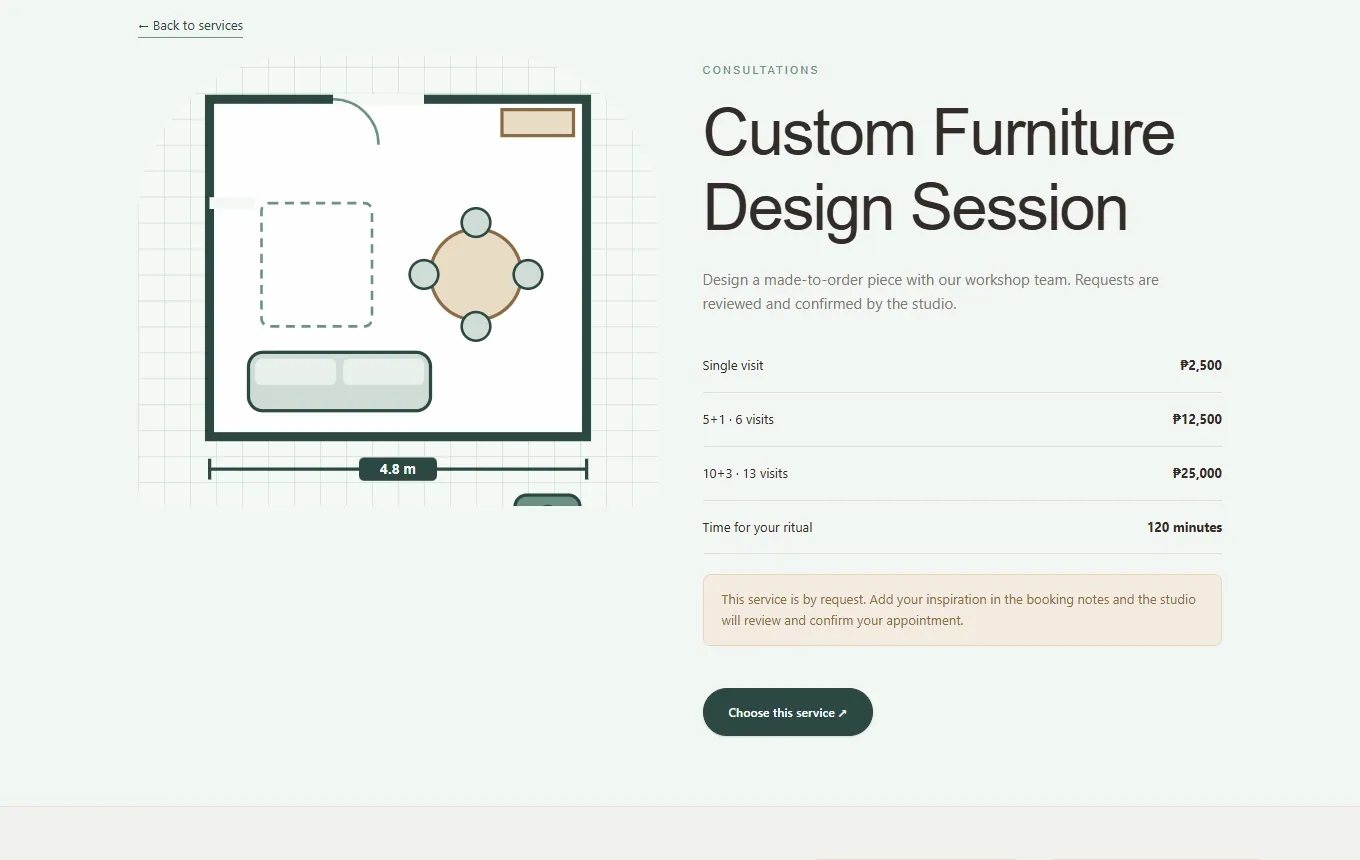
Open the studio's page and tap Services. Each treatment shows its price, how long it takes and, when the studio offers them, packages such as 5+1 or 10+3. Tap "Choose this service".
Tap to enlarge 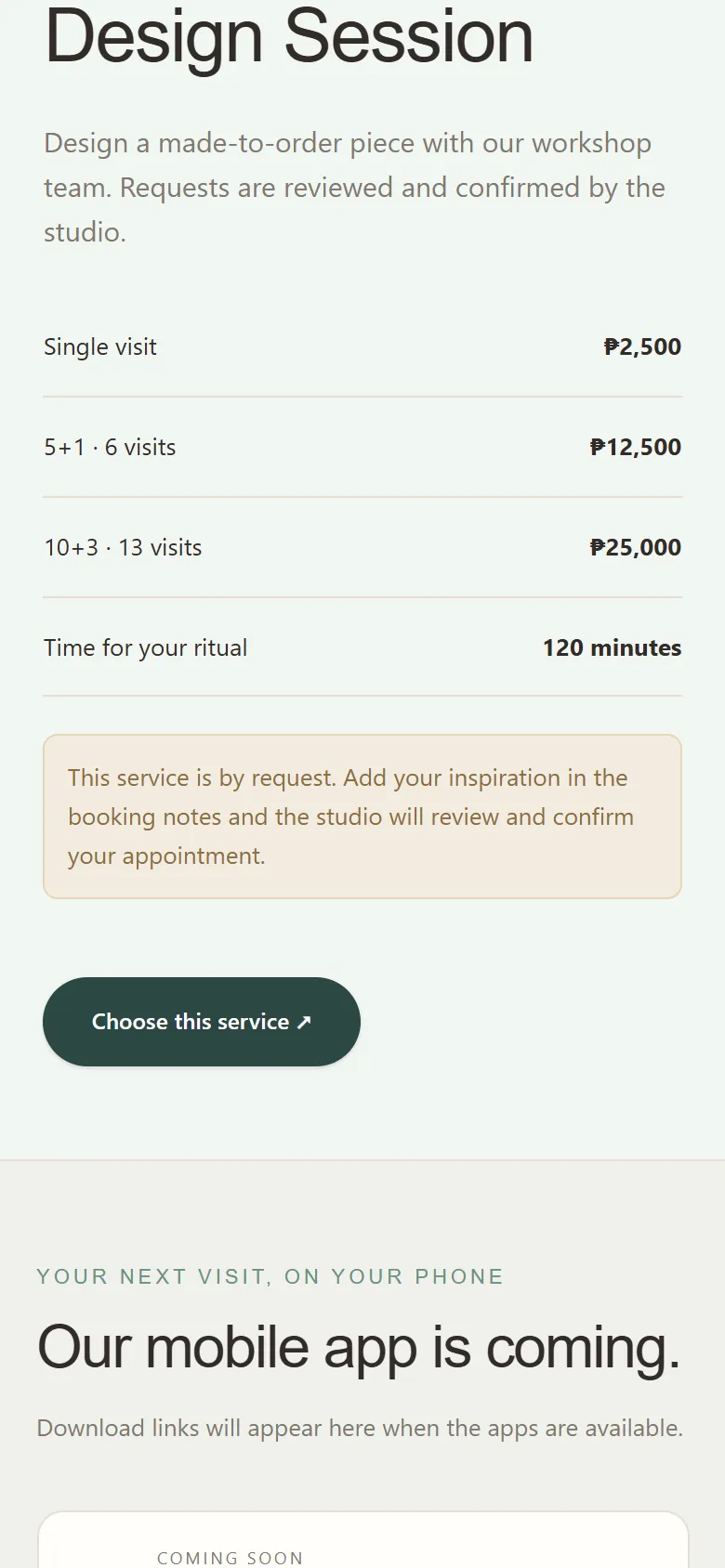
Tap to enlarge -
2
Pick an option
Choose Single visit or a package option. The price on the right (below on a phone) changes to match.

Tap to enlarge 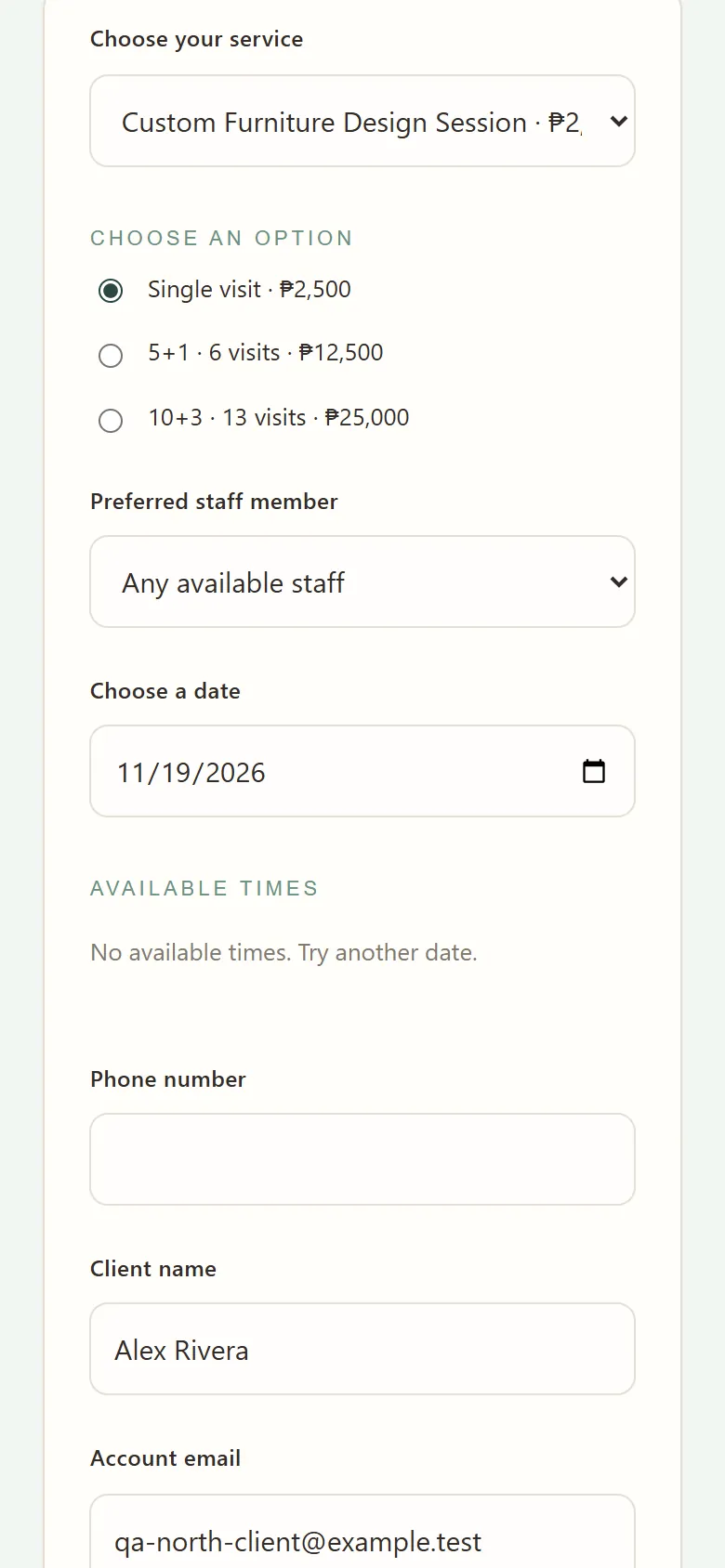
Tap to enlarge -
3
Pick a date and time
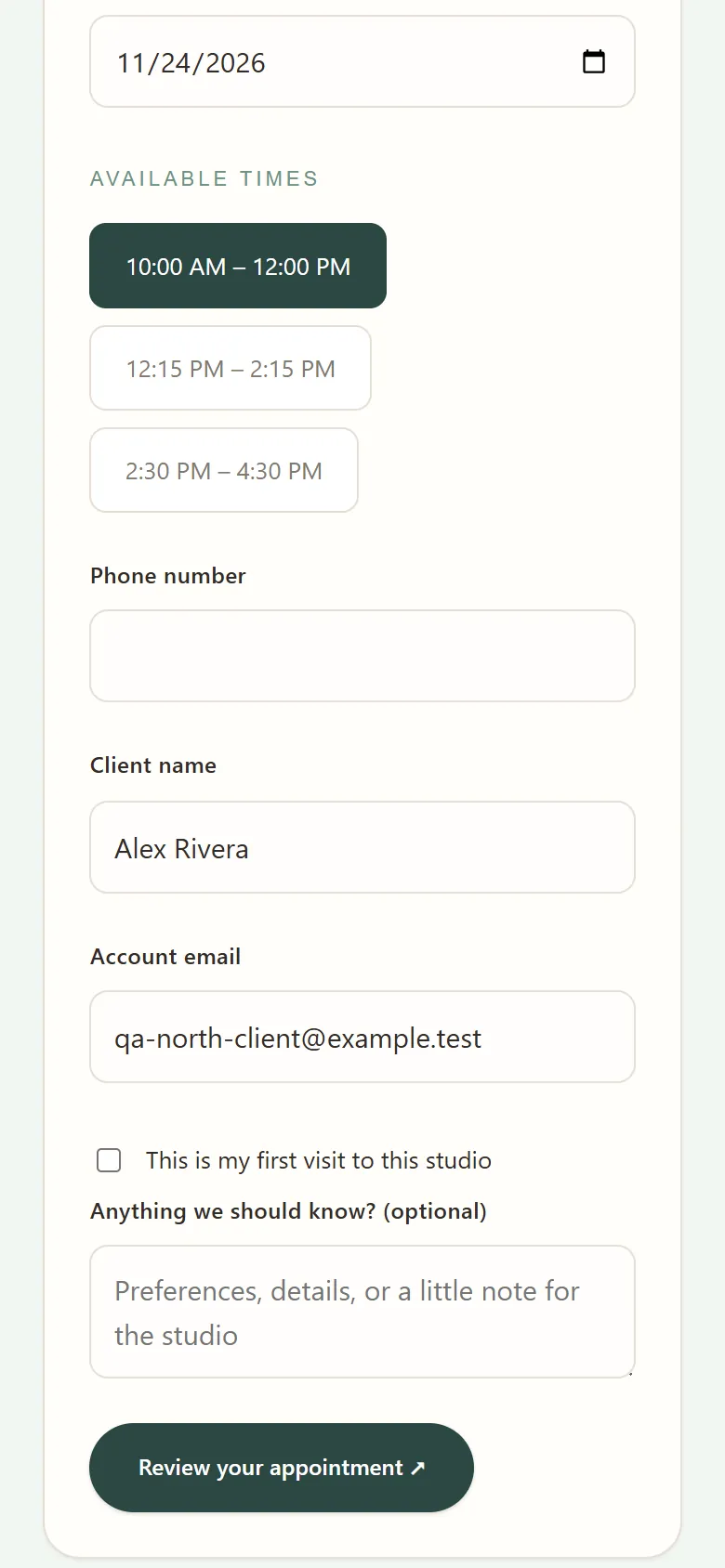
Choose a date, then tap one of the available times. Only times with a free station or staff member show. Add your phone number and a note if you like, then tap "Review your appointment".
Tap to enlarge -
4
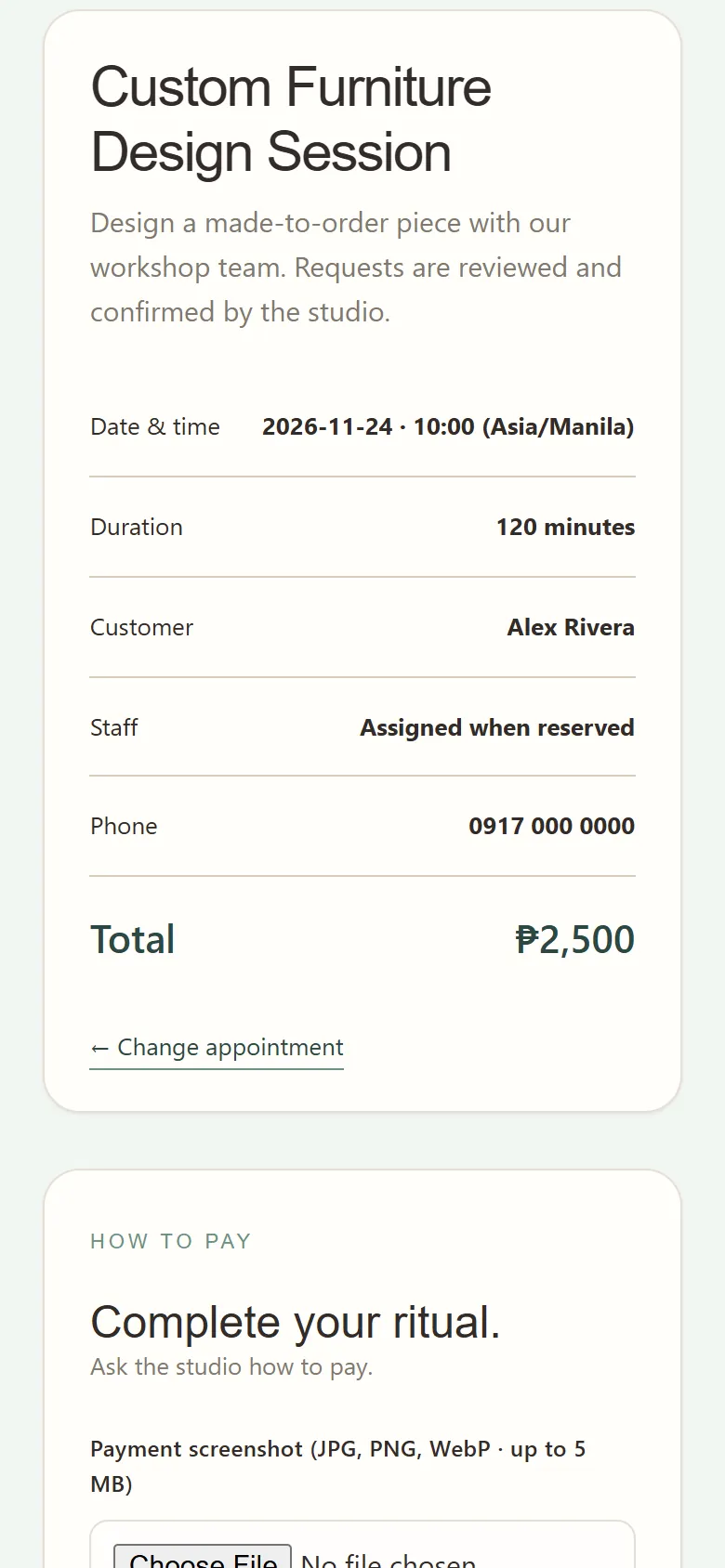
Review and reserve
Check the date, option and total. Read how to pay, upload your payment screenshot now or later, and tap "Reserve appointment".
Tap to enlarge -
5
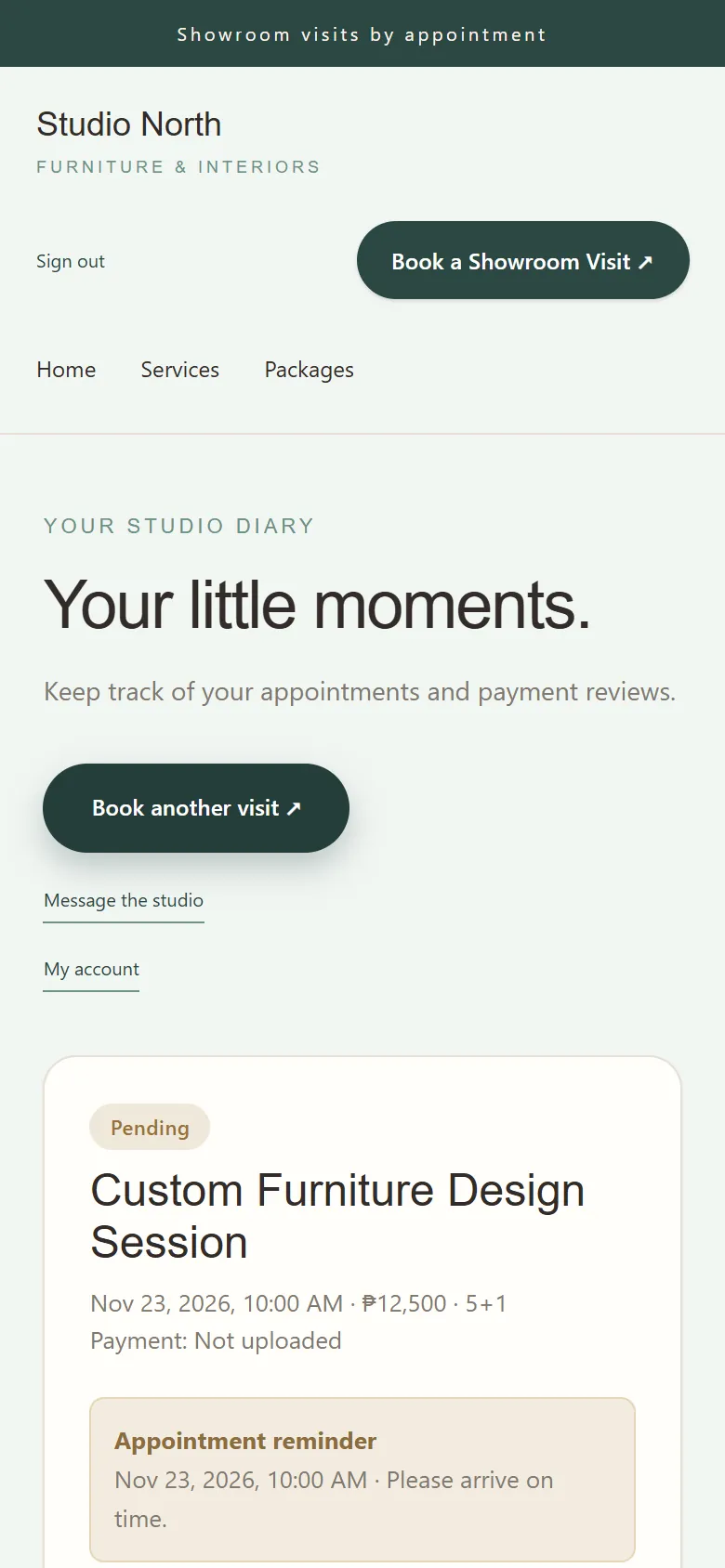
Your appointments
My appointments lists every booking with its status (pending, confirmed, completed), the option you chose and the price. Open one to upload your payment proof or cancel it.
Tap to enlarge -
6
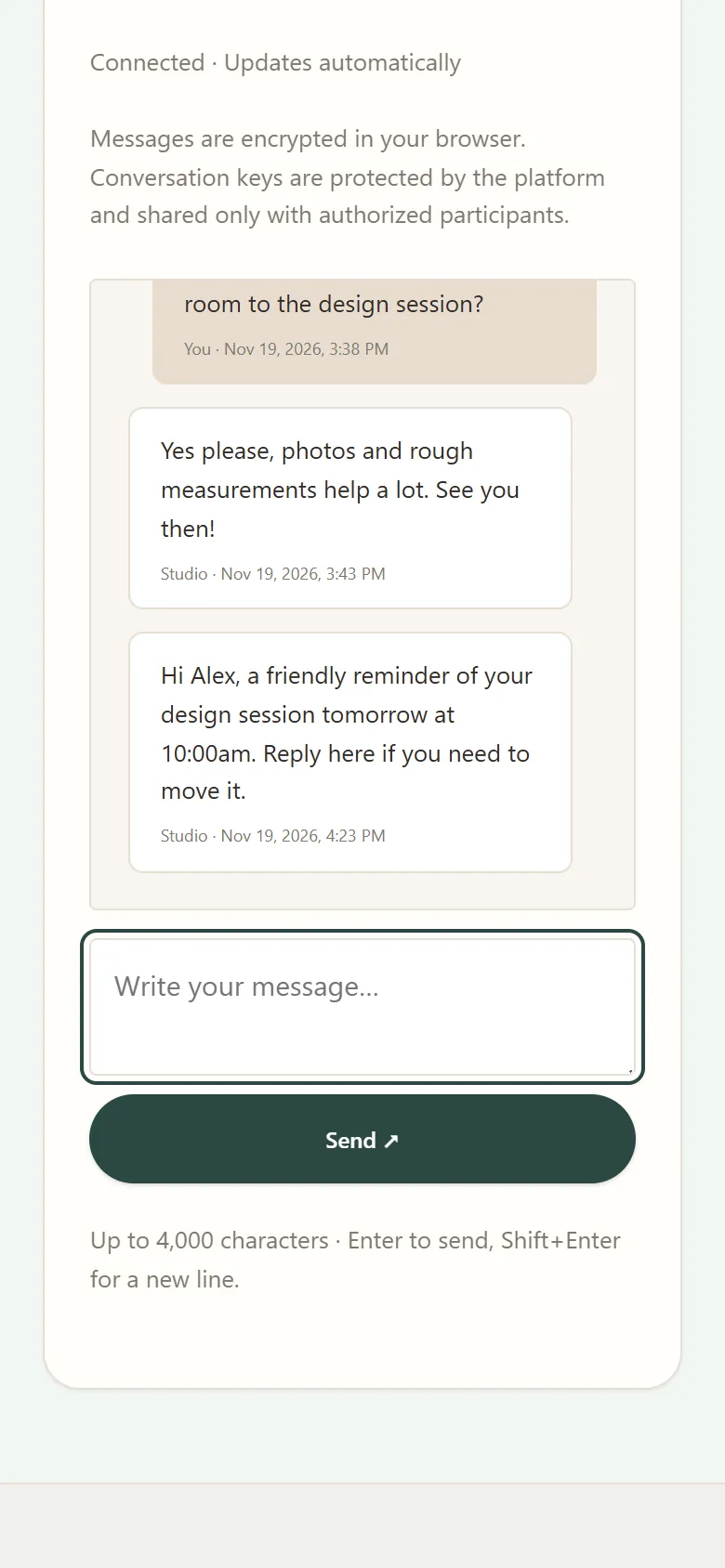
Messages from the studio
Reminders, aftercare and other notes from the studio can arrive in Messages, as well as by email. Reply there any time; the studio sees it straight away.
Tap to enlarge